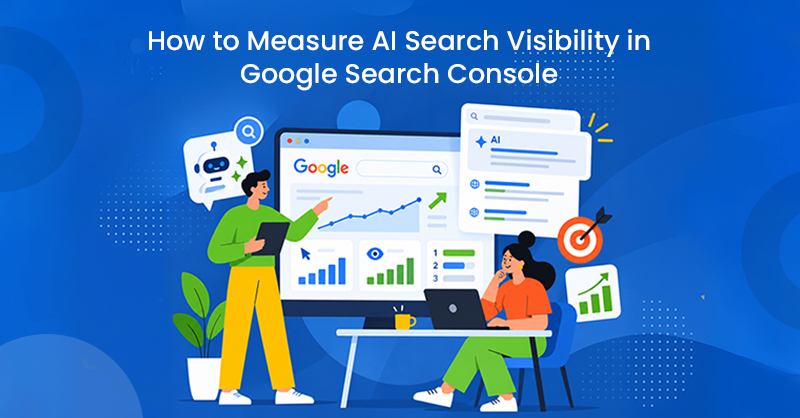
Google Search Console can now tell you when your website is appearing in Google’s AI-powered search experiences. The harder question is what you should actually do with that data.
With Google’s Generative AI performance report, businesses can begin measuring AI search visibility directly in Search Console and see which pages are earning impressions across experiences such as AI Overviews and AI Mode. But a rising impression count on its own doesn’t tell you whether your SEO strategy is working.
The real value comes from putting that data into context. Which pages are gaining AI visibility? Is that visibility growing over time? How does it compare with organic clicks, conversions, and other SEO metrics? And what can you learn from the pages Google is choosing to surface?
In this guide, we’ll break down how to measure AI search visibility in Google Search Console, which metrics deserve your attention, what the report still can’t tell you, and how to incorporate AI impressions into SEO reporting without turning them into another vanity metric.
Which Pages Are Gaining the Most AI Search Visibility?
The biggest value of Google's new report isn't simply knowing that a website appeared in AI search. It's being able to identify where that visibility is happening and how it changes over time. Rather than looking at total AI impressions in isolation, businesses should start by analyzing performance at the page level.
For example, if a physiotherapy website receives generative AI impressions primarily from its detailed treatment guides while its main service pages receive very little visibility, that tells you something about the types of content Google's AI systems are currently surfacing from the site.
You can then compare those pages against traditional organic performance.
A useful analysis might look at:
|
Page |
Organic Clicks |
Organic Impressions |
AI Impressions |
Conversions |
|
Physiotherapy Services |
450 |
12,500 |
820 |
28 |
|
Sports Injury Guide |
210 |
8,400 |
2,100 |
9 |
|
Back Pain Treatment |
320 |
9,700 |
1,450 |
17 |
The goal isn't necessarily to make every page generate more AI impressions. Instead, it's to understand which pages Google is surfacing within AI experiences and whether those pages contribute to broader business performance.
That creates a much more useful picture than reporting a single AI visibility number.
Should AI Impressions Become an SEO KPI?
Yes—but with some caution.
AI impressions can now become a useful visibility KPI, particularly for businesses investing in AI search optimization. However, they shouldn't replace traditional SEO metrics such as organic traffic, leads, conversions, rankings, or revenue.
Instead, they add another layer to the reporting framework.
A modern SEO report could increasingly look at:
- Business outcomes: Organic leads, sales, revenue and qualified conversions.
- Search performance: Clicks, impressions, rankings, CTR and non-branded visibility.
- AI search visibility: Generative AI impressions, AI-visible pages and changes in visibility over time.
This distinction matters because an AI impression doesn't necessarily mean someone visited the website.
A user could see a company's content referenced within an AI-generated answer, get the information they need, and never click through. In another situation, that same exposure could introduce the user to a brand and contribute to a later branded search or conversion.
That makes AI impressions valuable—but different from traditional organic traffic.
Don't Report AI Impressions Without Context
This is especially important for agencies.
A report showing that a client received 10,000 generative AI impressions sounds impressive, but on its own, the number doesn't tell the client very much.
Was that an increase from last quarter? Which pages generated those impressions? Did visibility occur on commercially important pages? Did organic conversions increase at the same time?
Without that context, AI impressions risk becoming another vanity metric.
A better client-facing insight might be:
Generative AI visibility increased 28% this quarter, with the strongest growth coming from three priority service pages. Organic leads from those pages also increased during the same period.
That doesn't claim AI visibility caused the lead increase. Instead, it shows both developments alongside one another. This distinction will become increasingly important as agencies incorporate AI search into client reporting.
Can Search Console Tell You Which AI Queries Mention Your Website?
Not yet through the dedicated Generative AI performance report.
This is one of its biggest limitations.
Traditional Search Console reporting lets businesses analyze the queries generating impressions and clicks. Google's current documentation for the generative AI report lists page, country, device and date as available dimensions, but not individual queries.
That means you may know that a service page received 3,000 generative AI impressions without knowing exactly what users asked Google when that page appeared. For businesses accustomed to keyword-level analysis, that's a significant gap.
It also means AI search optimization shouldn't suddenly become a game of reverse-engineering individual prompts. Traditional keyword research, search intent analysis, topical coverage, and actual customer questions remain useful ways of understanding what information users need.
Can You Separate AI Mode From AI Overviews?
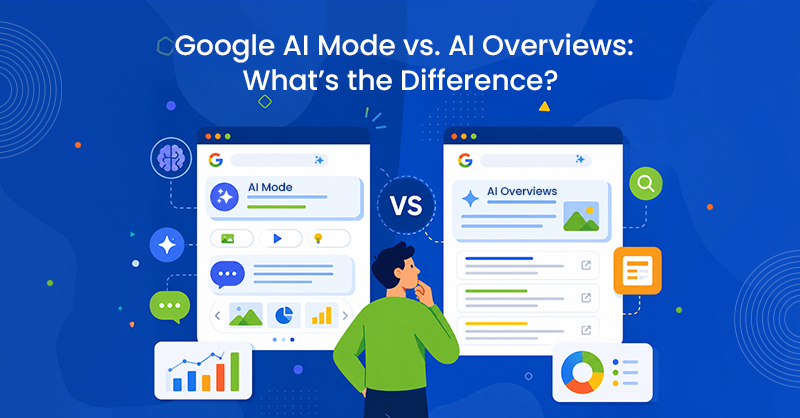
Another important limitation is that the report currently combines supported generative AI experiences.
You can't use it to reliably say:
AI Overviews generated X impressions, while AI Mode generated Y impressions.
That makes the report useful for measuring overall Google generative AI visibility, but not yet for comparing performance between Google's individual AI search products.
For client reporting, we'd therefore recommend labelling the metric something like:
Google Generative AI Impressions
rather than:
AI Overview Impressions
unless you're using another verified data source that can make that distinction.
What If the Generative AI Report Doesn't Appear?
If you open Search Console and don't see the new report, it doesn't necessarily mean something is wrong with the website.
Google says the report may not appear when a property hasn't accumulated sufficient generative AI impressions. There are two things worth checking.
First, go to:
Settings → AI controls → Search generative AI
This setting controls whether Google's generative Search features can use links and content from the site. Google says sites are included by default, although website owners can choose to exclude their content.
Second, remember that the setting and the performance report are separate features.
Seeing Search generative AI under Settings does not mean the site has accumulated enough data to receive the Generative AI performance report. For agencies managing many Search Console properties, this means availability may vary significantly from client to client.
How AI Search Changes the Way We Think About SEO Reporting
This update reflects a larger change happening within search.
Historically, SEO reporting followed a fairly straightforward path:
Search → Ranking → Click → Website → Conversion
AI search makes that journey less linear.
A user might now:
Search → See an AI answer → Discover a brand → Ask a follow-up question → Search the brand later → Visit the website → Convert
That creates interactions that traditional last-click reporting may struggle to represent. It doesn't mean clicks, ttraffic, or rankings are becoming irrelevant. Those metrics remain essential for understanding organic search performance.
But it does mean visibility itself is becoming more fragmented across the search journey. A business can potentially influence a user's decision before that user ever visits its website.
The introduction of generative AI reporting in Search Console is an early attempt to give website owners more visibility into that part of the journey.
What Businesses Should Start Doing Now
There's no need to rebuild your entire reporting framework around AI impressions.
Instead, start collecting the data.
For websites where the report is available, establish a baseline for generative AI impressions and monitor how that changes monthly or quarterly. Pay particular attention to which pages consistently earn visibility. Then, compare those trends against the work you're already doing.
Did AI visibility change after expanding a service page? Are detailed informational resources receiving more AI exposure than thin commercial pages? Are pages with stronger first-hand expertise or original information appearing more frequently?
Those observations can gradually help inform content strategy.
The important part is not assuming causation too quickly. If AI impressions increase after a page update, that doesn't automatically prove the update caused the increase.
AI search measurement is still developing, and businesses should treat this new dataset as another source of evidence—not a definitive AI ranking formula.

Frequently Asked Questions About AI Search in Search Console
Does Google Search Console track AI Overviews?
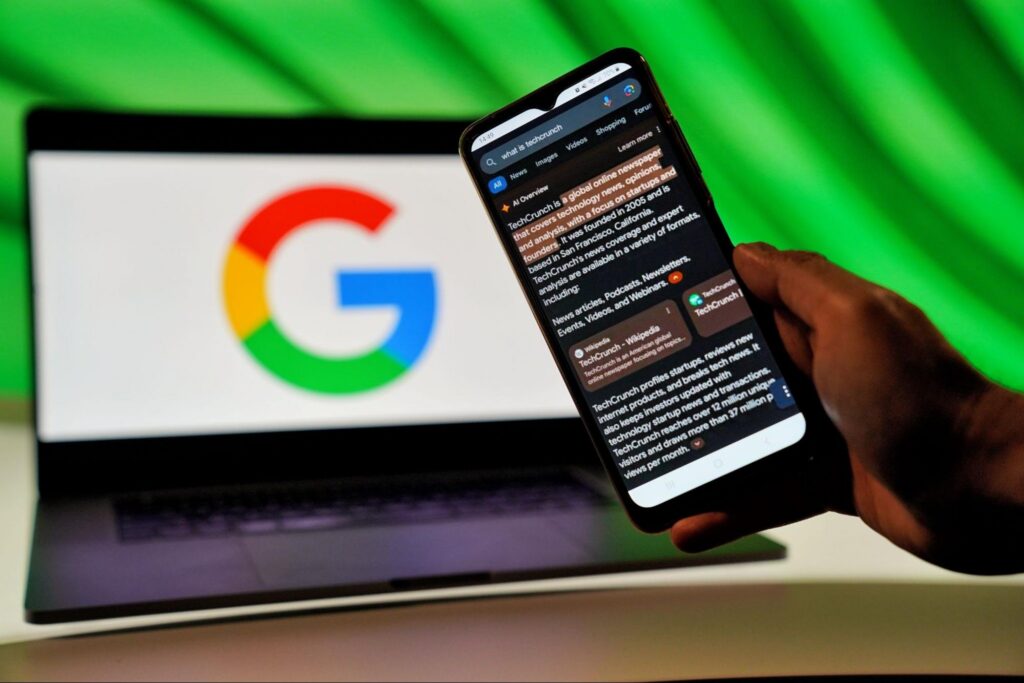
Yes. AI Overview activity is included within Search Console's broader Search performance measurement, and Google's dedicated Generative AI performance report now provides impression reporting for supported generative AI experiences, including AI Overviews.
Does Search Console track AI Mode?
Yes. Google includes AI Mode within its Search Console measurement and within the new Generative AI performance reporting.
Can I see AI Mode and AI Overview traffic separately?
Not through the dedicated report at this time. Google currently combines supported generative AI experiences rather than providing a feature-by-feature breakdown.
Can I see which keywords generated AI impressions?
The dedicated Generative AI report currently doesn't provide a query dimension. You can analyze AI visibility by page, date, country, and device.
Why don't I see Generative AI performance in Search Console?
Google says the report may not appear if the property doesn't have sufficient generative AI impressions. You can also check Settings → AI controls → Search generative AI to confirm the site's participation setting.
AI Visibility Is Finally Becoming Measurable
For years, one of the biggest challenges surrounding AI search has been measurement.
Businesses could see AI Overviews appearing in Google, watch AI Mode develop and optimize websites for increasingly conversational search behaviour, but proving how often a client's website actually appeared within those experiences was much harder.
Google's Generative AI performance report doesn't solve the entire problem. We still need better query-level insights, clearer click attribution, and eventually a way to distinguish between individual AI search experiences.
But it's an important step.
For businesses, the immediate goal shouldn't be chasing the highest possible AI impression count. It should be understanding where their brand and content are gaining visibility, whether that visibility is growing, and how it fits alongside organic search performance and business outcomes.
As search continues to evolve, SEO reporting will need to evolve with it. At TechWyse, we're continuing to adapt our SEO strategies and measurement frameworks to help businesses understand not only how they perform in traditional search, but also how their visibility is developing across Google's emerging AI-powered search experiences. To get started, call 866-208-3095 or contact us here.