

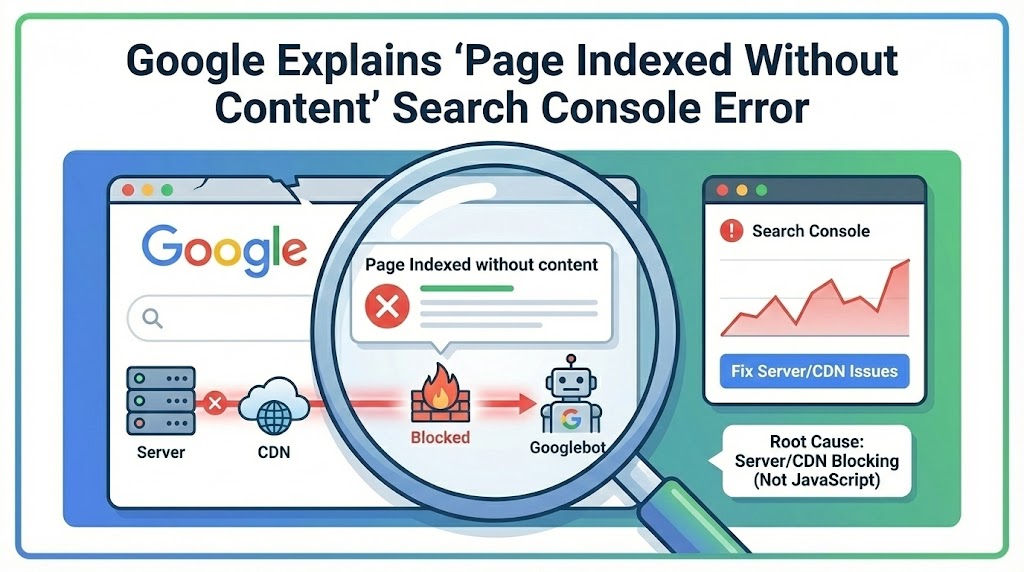
Google has clarified the root cause behind the “Page Indexed without content” status in Google Search Console, confirming that the issue is typically related to server or CDN-level blocking—not JavaScript rendering problems.
The explanation comes from Google Search Advocate John Mueller, who addressed the issue after a site owner reported a sudden ranking drop shortly after the error appeared.
What the Error Actually Means
According to Google, this status occurs when Googlebot is unable to retrieve any meaningful content from a page—even though the URL is technically indexed.
Mueller explained that the most common cause is low-level blocking at the server or CDN layer, often based on Googlebot’s IP addresses. Because of this, the issue can be difficult to diagnose using external tools.
In many cases, site owners may see:
-
Pages indexed but showing no visible content
-
Ranking drops or gradual deindexing
-
Normal page rendering for users and third-party crawlers
-
Errors only appearing in Search Console testing tools
This disconnect frequently leads teams to suspect JavaScript issues, but Google has emphasized that JavaScript is rarely the culprit in these cases.
Why External Tests Often Miss the Problem
Mueller noted that standard debugging methods—such as curl requests, third-party crawlers, or rich results testing—may not surface the issue.
That’s because many blocking rules are IP-based and affect Google’s infrastructure specifically. As a result, pages may load normally for users while returning empty or blocked responses to Googlebot.
Search Console’s URL Inspection and Live URL testing tools remain the most reliable ways to identify this problem, since they reflect what Google actually receives during a crawl.
Why This Is an Urgent Issue
Google warned that pages affected by this error are at risk of being removed from the index entirely.
If Google repeatedly encounters pages without content, it may stop indexing them altogether, leading to visibility loss across search results. For critical pages—such as homepages or key landing pages—this can result in sudden ranking declines.
Common Causes to Check
In many reported cases, the issue traces back to CDN or hosting configurations rather than site changes.
For sites using services like Cloudflare, potential causes include:
-
Bot management or firewall rules
-
Automated security updates
-
IP-based access restrictions
-
Rate limiting or challenge pages
These settings can change without direct user action, making the issue difficult to detect without Search Console alerts.
How to Diagnose and Fix the Issue
Google recommends focusing investigation at the infrastructure level:
-
Review CDN and server logs for blocked Googlebot requests
-
Confirm Googlebot IP ranges are not restricted
-
Use Search Console’s URL Inspection tool to test affected pages
-
Check firewall, bot protection, and access control rules
Because this issue typically sits below the application layer, fixes usually involve adjusting security or network configurations rather than changing page code.
Key Takeaway for SEO Teams
The “Page Indexed without content” error is not a minor warning—it signals that Google cannot access your page content at all.
When it appears, teams should prioritize server and CDN diagnostics over on-page or JavaScript troubleshooting. Catching and resolving the issue early can prevent widespread deindexing and preserve search visibility.
For sites relying heavily on CDNs and automated security tooling, regular monitoring through Search Console is essential to catch these problems before they impact rankings.