

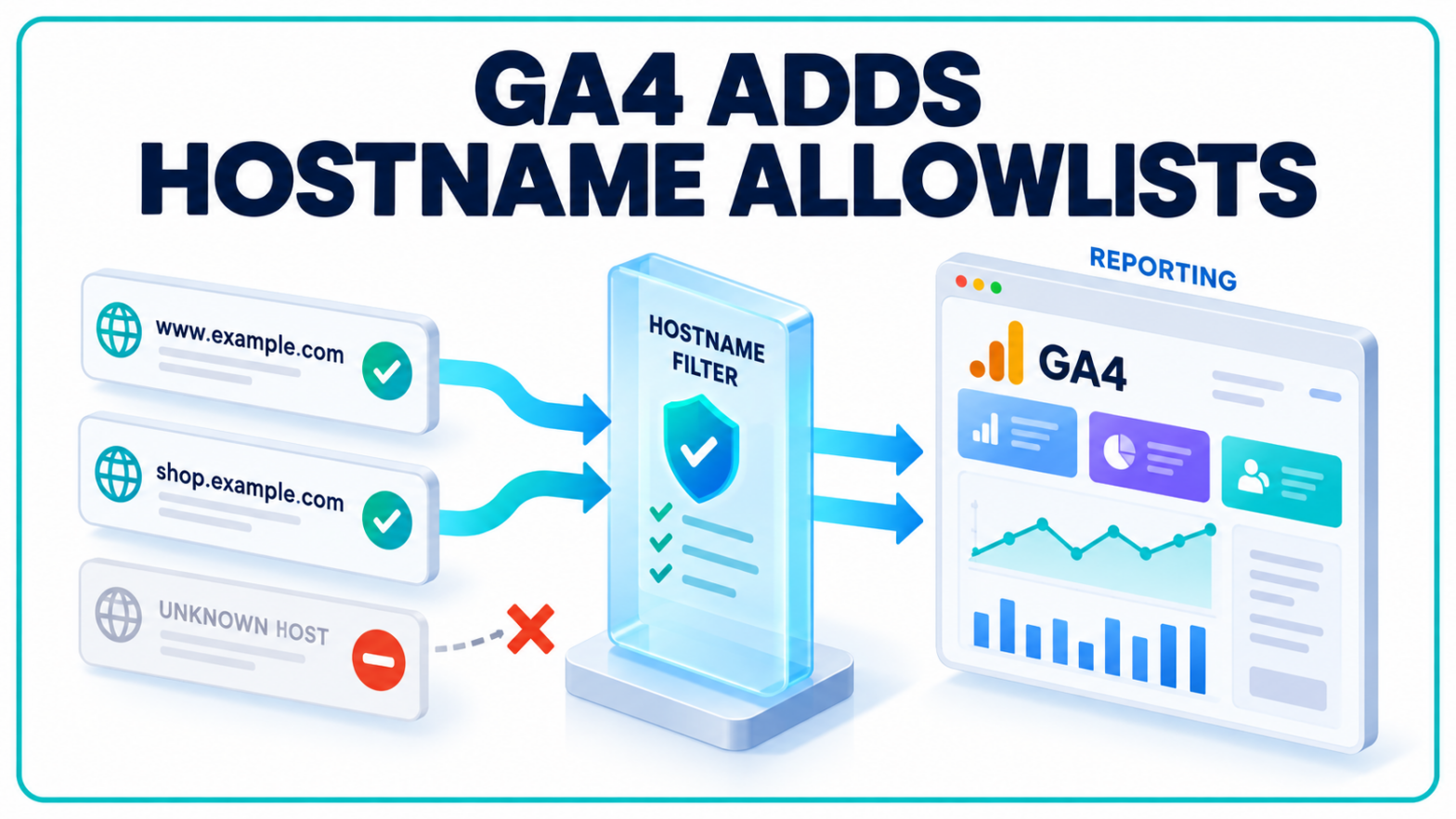
Unwanted domains no longer have to be blocked one at a time in Google Analytics. GA4 now lets businesses specify which hostnames belong in their property’s incoming event data.
Google’s September 21 release notes confirm the addition of Include hostname filters. The release follows September’s dashboard launch, bringing changes to both data collection controls and the interface used to review performance.
For teams responsible for recurring marketing reports, the distinction matters. A redesigned chart changes how a number is presented. A data filter can change which events contribute to that number at all.
Hostname Filters Shift Attention to Approved Domains
The new Include option establishes an allowlist. Previously, hostname filtering offered exclusions, leaving administrators to update their rules as additional unwanted sources appeared.
Google introduced hostname filters earlier this year. The existing hostname filtering documentation places those controls under Data filters in Admin’s Data collection and modification section. Creating a filter requires Editor access or higher.
That is a property configuration responsibility, with consequences beyond one analyst’s report.
Google’s documented filtering workflow includes Testing, Active and Inactive states. Testing marks matching data for inspection before a rule becomes active; an active filter makes permanent changes to incoming data. The hostname guide recommends validating the results before activation and allowing 24 to 36 hours before checking a filter placed in Testing.
The guide still describes the exclusion workflow. The September announcement supplies the new Include behaviour, so the older instructions should not be read as a complete walkthrough of the allowlist option.
Measurement Protocol Events Follow a Different Rule
The new filter has an explicit exception: events sent through Measurement Protocol are outside its scope. Google also says Include filters block events with empty hostnames, which it associates with spam or abnormal traffic.
Those details matter for properties receiving events through more than one collection method.
Google’s Measurement Protocol documentation describes a way to send events directly to Analytics through HTTP requests. It supports server-to-server and offline interactions, including activity that happens outside a conventional website visit.
A business can, for example, use the protocol to connect online behaviour with an offline conversion. Such events do not necessarily follow the same collection path as a page interaction captured by a browser tag.
Google positions Measurement Protocol as a supplement to automatic collection through the Google tag, Tag Manager or Firebase. Using it alone can leave reporting incomplete. Its documentation also states that Analytics rules for generating or renaming events are not triggered by Measurement Protocol submissions; that logic belongs in the application sending them.
The implication is limited but useful: a review of incoming data needs to account for how events reach the property, alongside the hostname attached to them.
A Data Filter Cannot Repair Last Month’s Reports
Google’s data filter guidance establishes a firm boundary. Filters affect incoming data prospectively and do not change historical records. Data excluded from processing is unavailable in both Analytics and BigQuery.
An administrator therefore cannot treat a collection filter as a reversible display preference. Removing or changing a rule later does not recreate events that were never processed.
Historical analysis uses a different control. Filters in detail reports hide data from the current view while leaving the underlying records intact. Hostname is among the dimensions available for those conditions. Analysts can use exact matches, partial matches or regular expressions to narrow the displayed results.
Adding a report filter updates both the chart and the table. Multiple values within one condition use OR logic; separate conditions use AND logic. Those distinctions affect which records appear when a team combines a hostname restriction with another reporting dimension.
In practice, marketers need a record of legitimate domains, collection methods and filter activation dates when interpreting performance changes. A reporting period that spans a collection change may contain different sets of eligible events. Documenting that change helps separate measurement differences from shifts in customer activity.
GA4 Dashboards Put Selected KPIs on One Screen
The month’s earlier interface release, GA4 dashboards, addresses how users read the data after collection.
According to Google’s dashboard documentation, editors can arrange and resize cards on a grid, then drag dimensions and metrics into charts. Available formats include scorecards, tables, line charts, bar charts, donut charts and funnels.
Creation and publication require Editor or Administrator access. Published dashboards are visible to users with access to the property, rather than being restricted to a particular executive or departmental audience.
Standard properties support up to 15 cards per dashboard; premium properties support up to 30. Google currently lists API support, segments and card-level comparisons as unsupported.
Those limits define the feature’s role in routine reporting. A shared KPI view can bring selected measures together, but teams still need to distinguish the dashboard’s presentation options from the analysis available elsewhere in Analytics.
Custom Dimensions Remain a Separate Configuration
The broader expansion of GA4 reporting makes another distinction relevant: arranging dimensions in a dashboard and registering custom dimensions are separate tasks.
Google’s custom dimensions documentation describes a workflow in which businesses first collect additional information through event parameters or user properties, then create definitions that make the information available for analysis.
Custom dimensions describe data. Custom metrics quantify it. Event-scoped dimensions can expose details about an action, user-scoped dimensions describe user properties, and item-scoped dimensions support additional product attributes in ecommerce events.
Neither September release entry announces revised custom-dimension quotas or a new registration process. Dashboard customisation should not be presented as evidence of such a change.
Google’s current guidance puts the reporting and advertising availability of newly configured custom dimensions or metrics at 24 to 48 hours. Standard properties retain limits of 25 user-scoped, 50 event-scoped and 10 item-scoped custom dimensions.