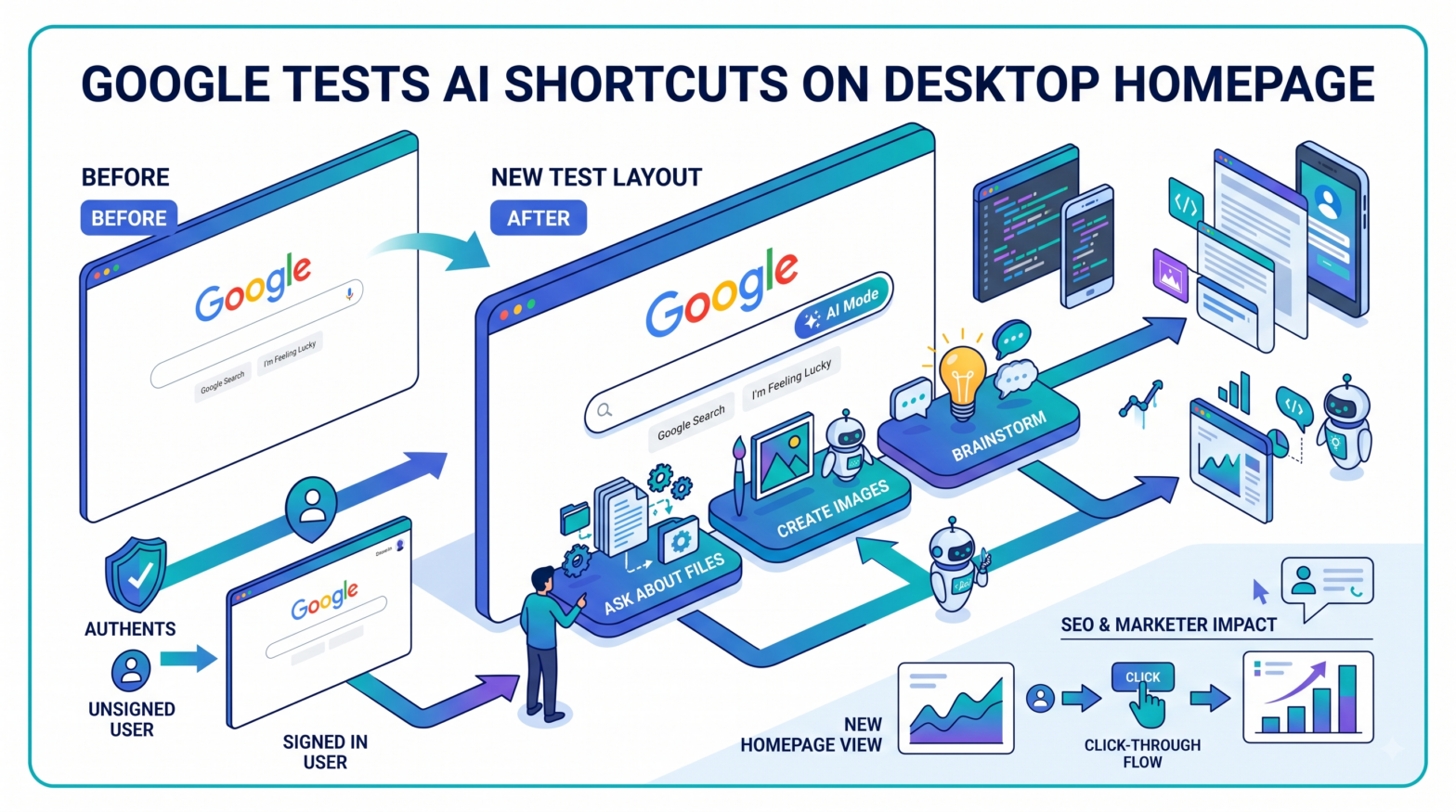
Google's desktop homepage is displaying a new set of AI-powered shortcut buttons in place of its traditional search controls for a subset of users. Robby Stein, Google's Vice President of Product for Search, confirmed on X that the company is running a limited desktop test, describing it as "a small test on desktop to help people find new things they can do with Search."
What Changed on the Homepage
The redesigned layout adds Create images, Ask about files, and Brainstorm below the search box instead of the usual Google Search button, while an AI Mode button appears inside the search field itself. The updated layout retains the legacy I'm Feeling Lucky button.
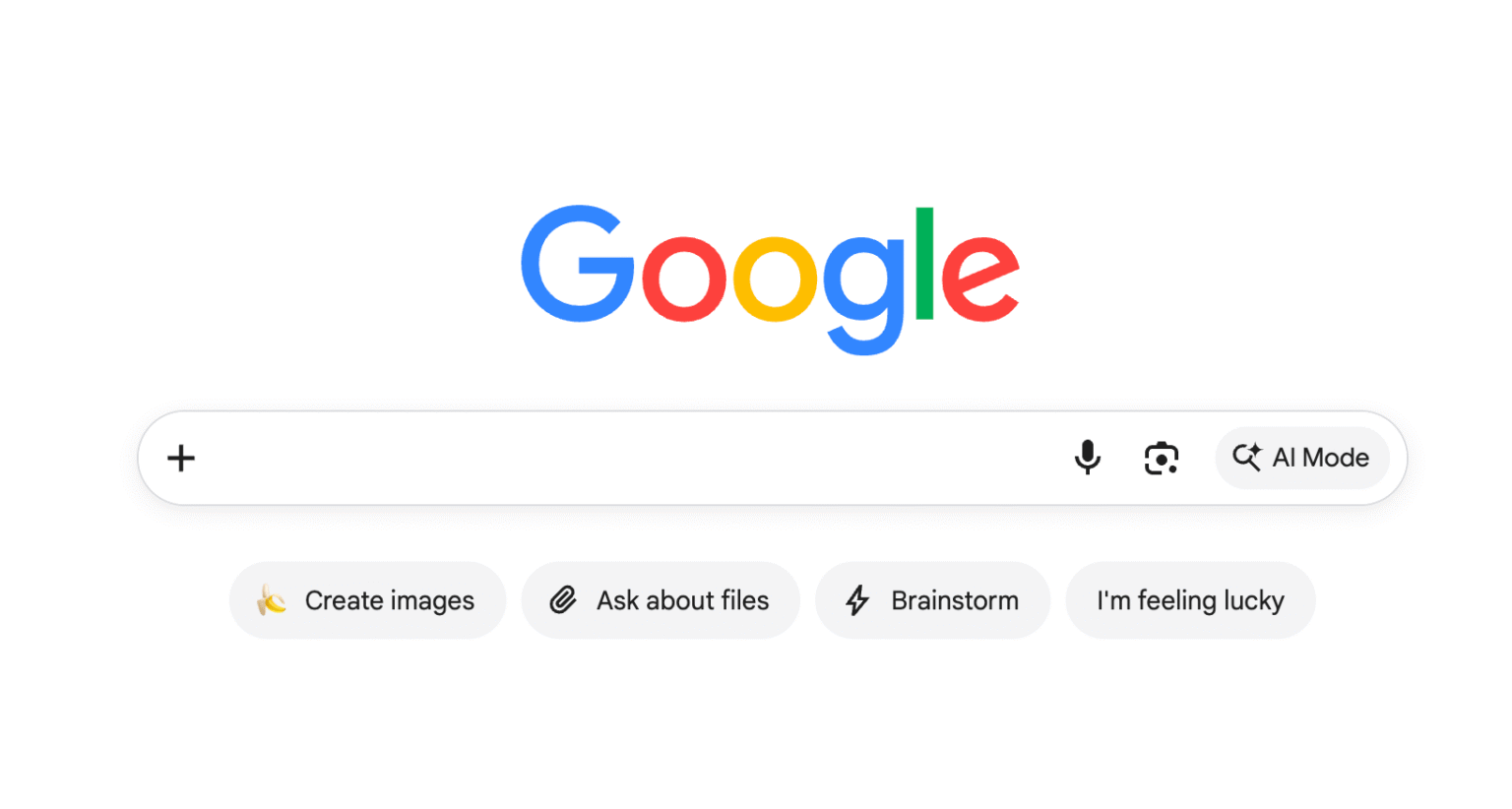
Most of these features were previously available on the Google Search app and are now appearing on the desktop homepage for some users. None of these buttons were part of the intelligent search box Google demonstrated in May.
Stein stated on X that the test does not alter core search functionality: "No impact to how the core search box works, just add your question and hit enter as usual."
Who Sees the New Layout
The new layout is appearing for some users when accessing Google's homepage without signing in. The homepage changes once a user signs into a Google Account; the three AI shortcuts disappear after sign-in and return after signing out again.
The test has appeared across Chrome, Microsoft Edge, and Perplexity's Comet browser, suggesting a server-side change rather than a browser-specific quirk.
How Each Button Functions
Ask about files lets users upload files and ask questions about them, which Google's AI will try to answer. Ask about files and Brainstorm work without a Google Account. Create images is the exception; Google requires an account before it will generate anything.
Brainstorm functions as a way to start an exchange with Google's AI about any topic. The three buttons appear below the main search box, alongside the existing AI Mode button, the plus sign at the left of the search box, Google Lens, and the Voice button.
Scope of the Test
Google has not announced a broader rollout timeline. Google has not said whether everyone will see this homepage. The change could be part of a test or server-side rollout, and Google may limit it by account, session, or location.
Most of these features already exist in the Google Search app; the desktop homepage for anonymous visitors is the new element being tested.
Implications for Marketers and SEO Practitioners
If Google expands this layout beyond the current test group, it would represent a structural shift in how users enter AI-powered search experiences. Historically, the Google homepage has been among the most visited pages on the internet, and placing AI Mode entry points at that level, rather than within search results pages, could accelerate the volume of queries routed through AI Mode rather than traditional web search. For SEO practitioners and content publishers, broader adoption of AI Mode has previously been associated with changes in click-through behaviour and referral traffic patterns, since AI-generated responses can reduce the need for users to visit external pages.
Stein confirmed in his X post that the test remains limited in scope and that Google's core search functionality is unchanged for all users at this time.